One organization URL
Choose an organization URL such as workschedule.fyi/customer1. Visitors can browse services and projects together, filter by type and open a dedicated page for each listing.
Give people one public directory for your organization's published services and projects. Visitors can search your listings, check scheduled service availability and read project summaries without signing in.
Free includes up to 5 people and 1 GiB of workspace storage. No payment card required. Larger teams can choose the paid Team plan.
Choose an organization URL such as workschedule.fyi/customer1. Visitors can browse services and projects together, filter by type and open a dedicated page for each listing.
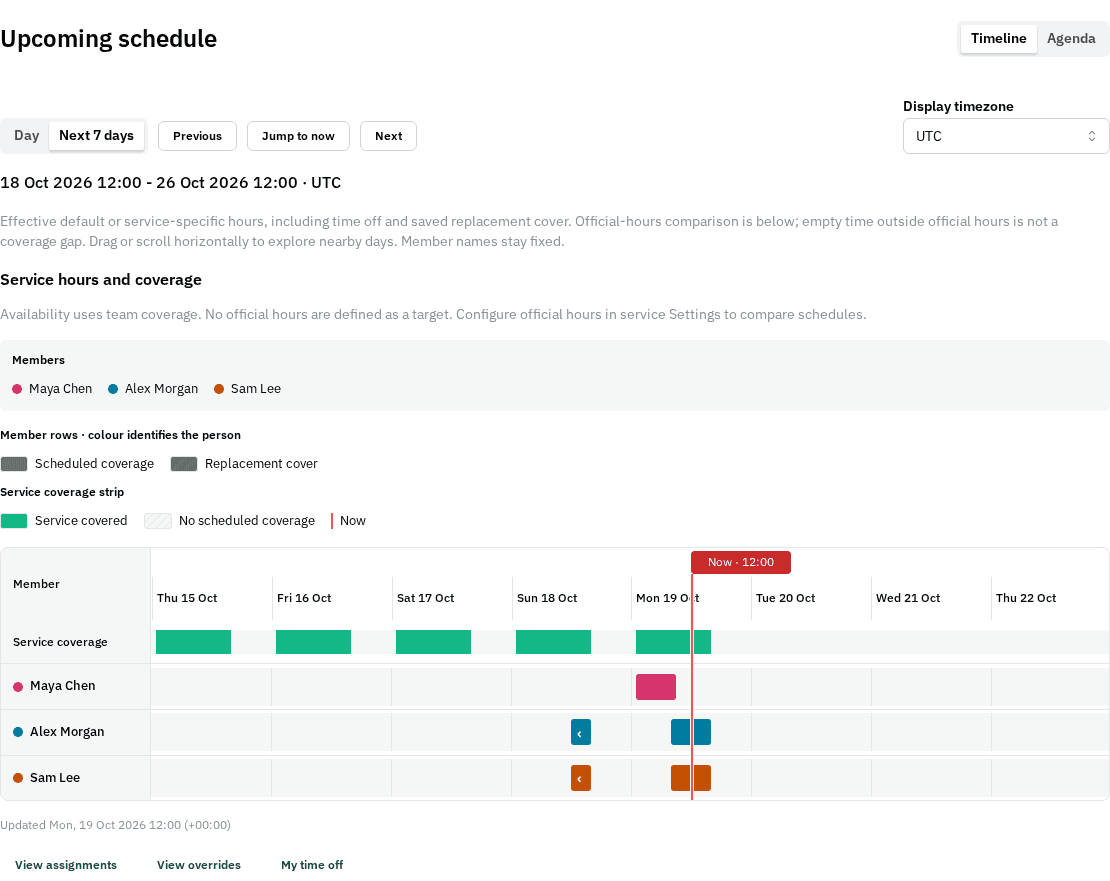
Help visitors discover support hours, community help or other scheduled services. A service page shows its title, public summary and aggregate availability, not individual staff schedules or identities.
Share a launch, community initiative or ongoing delivery update using a project name, public summary and status. Internal tasks, conversations, member details and supporting files remain private.
Listings start private and require explicit publication. Publishing also exposes your organization name and URL, and allows search engines to discover the pages. Unpublishing removes access, but external search results and copies may take time to disappear.
There is no additional fee to publish a service or project listing. The Free workspace plan supports up to 5 people and 1 GiB of storage. The paid Team plan provides more people capacity and storage; publishing is not a separate paid add-on.
Create a workspace, choose the organization URL in Settings, then open a service or project and use Sharing → Public search. Add a public summary and confirm publication. Your directory becomes available when it has a published service or project.
Public pages are crawlable and eligible listings are included in sitemaps. Search engines decide what to crawl, index and rank. Publication does not guarantee inclusion or a particular search position.
Not through public listings. Related workspace files remain private. Public listing pages only expose the specifically documented organization, service and project fields.
Start free with up to 5 people. No payment card needed.